Appearance
Modify a Motion character
Use these settings on a fully configured Motion 1.6 character.
Change the camera position and view
- Open the character Blueprint.
- Select
MotionCameraComponent. - In the Details panel, find the
Camerasection. - Adjust the camera settings.
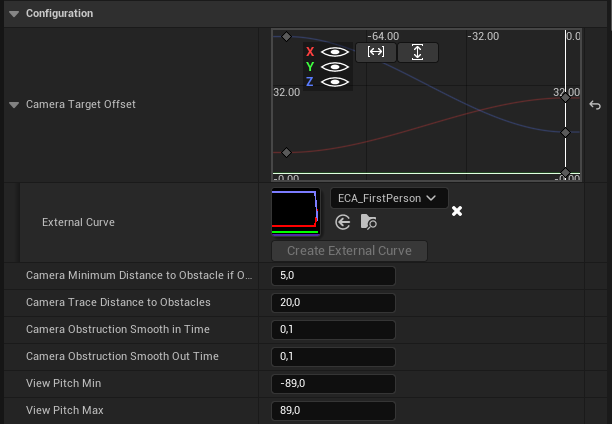
See Motion Camera Component for field descriptions.
Change the minimum character speed
- Select
MotionCoreComponenton the character. - In the Details panel, find
Component Speed. - Adjust
Global Minimum Speed.
This value prevents multiple speed penalties from stopping character movement.

Change mouse sensitivity
- Open Class Defaults for the Motion character.
- Adjust
TurnRateCamera.
Motion multiplies camera input by this value.
